
NERD TOOLS / 01
Your next chapter.
Starts here.
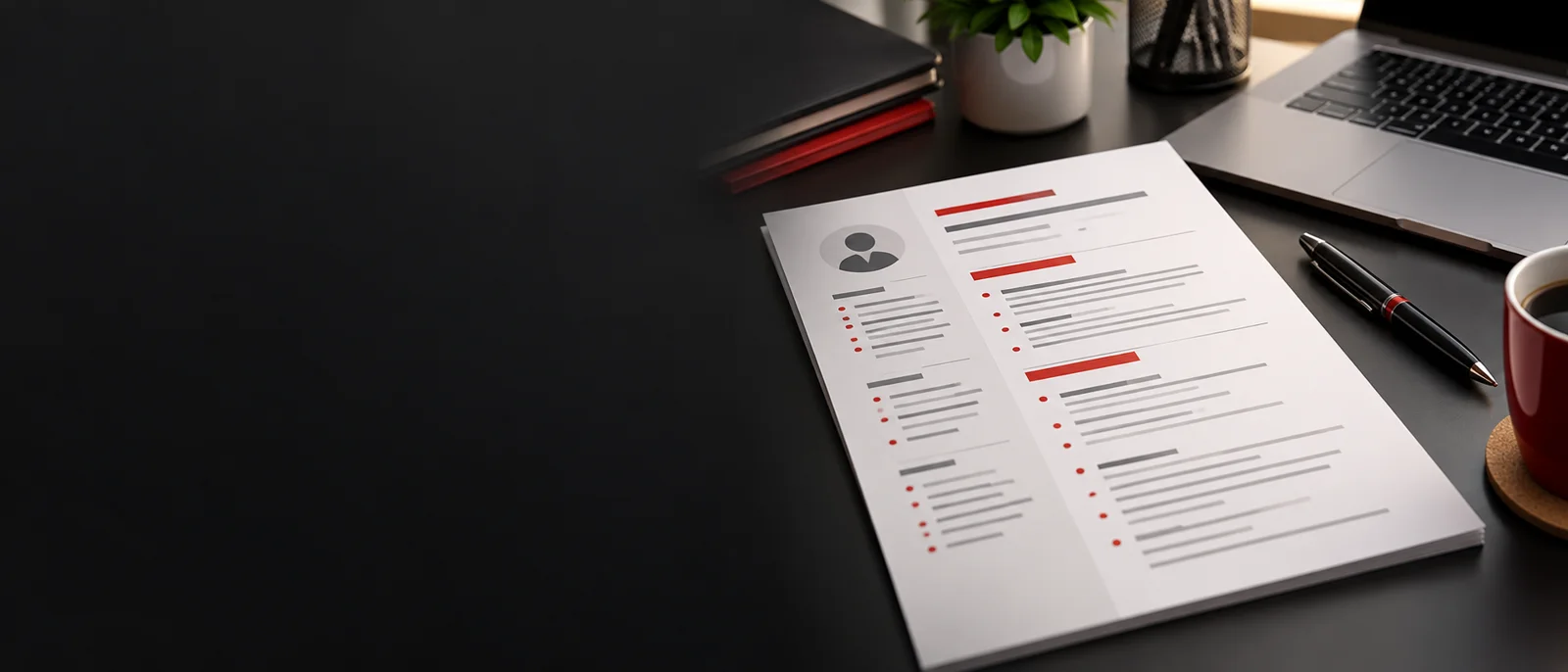
Create a clear CV, preview it and save as PDF. No account needed.
Make it yours
Start with your name. Add only what you want to include.
LIVE PREVIEWA4 · 5 TEMPLATES
Ready to print at The Nerd Herd?
Save your CV as PDF, then attach that file in WhatsApp or bring it to the shop. Opening the chat does not send your CV automatically.
Ask about CV printing ↗In the print dialog, choose A4, turn off headers and footers, and select Save as PDF. Review every page before saving.